DockerDocker VPS 4GB
Application image included
per month · billed monthly
Ubuntu 24.04.3 LTS image included
- 2 vCPU compute
- 4 GB RAM
- 50 GB SSD storage
- 1,000 GB transfer
- United States · US-1
Configure securely in the console
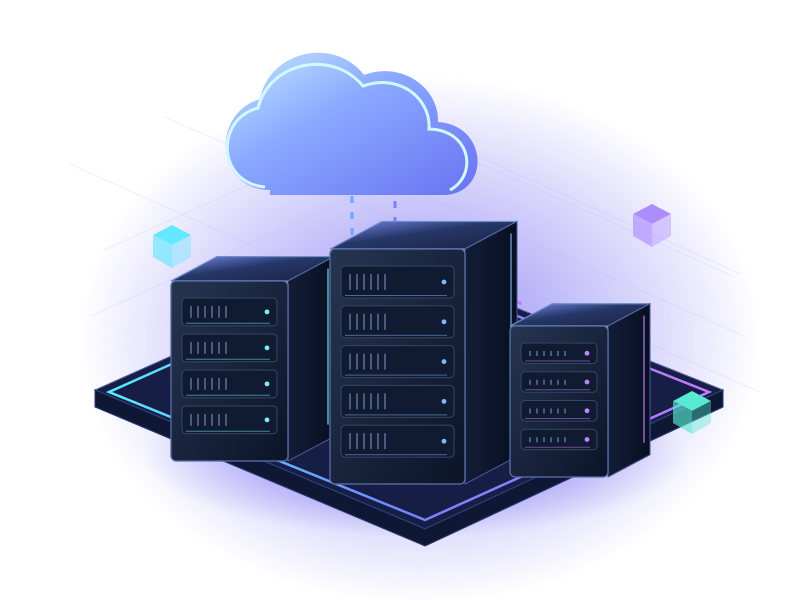
Docker EngineON SERVERCONE CLOUDCONTAINERS WITHOUT THE EXTRA LAYER
Build, ship and run your container workloads on a server of your own. Start with Docker Engine, Buildx and Docker Compose prepared on Ubuntu.

Compose → build → run
Docker Engine or Docker + Dokploy? This page is the clean Docker Engine plan. Choose Docker + Dokploy for a deployment dashboard.
PLANS THAT MAKE ROOM
US-1 resources are shown below. Choose your billing term and review the exact product in the console.
DockerApplication image included
per month · billed monthly
Ubuntu 24.04.3 LTS image included
Configure securely in the console
DockerApplication image included
per month · billed monthly
Ubuntu 24.04.3 LTS image included
Configure securely in the console
DockerApplication image included
per month · billed monthly
Ubuntu 24.04.3 LTS image included
Configure securely in the console
DockerApplication image included
per month · billed monthly
Ubuntu 24.04.3 LTS image included
Configure securely in the console
DockerApplication image included
per month · billed monthly
Ubuntu 24.04.3 LTS image included
Configure securely in the console
Prices in USD. A crossed-out price is the regular reference price for the same period. Annual prices are full yearly totals, paid up front. Select your billing term in the console before checkout. Offers, renewal terms, availability and additional charges are confirmed there.
WHY DOCKER ON SERVERCONE
Docker Engine, Buildx and Compose. A clean starting point for your containers.
The image installs Docker Engine, Buildx and the Compose plugin from Docker’s official repository.
Define your services, networks and persistent volumes in a Compose project.
Manage your containers from the command line without a separate deployment dashboard.
Configure access, protect published ports and maintain independent volume backups.
A STARTING POINT FOR YOUR IDEAS
Choose your workload, connect your services and keep enough headroom for the work ahead.
Run your own application stack with separate containers for your application, database and supporting services.
Use Buildx and Docker Engine for your project’s build and testing workflow. Match server resources to the build workload.
Run containerized APIs, workers and scheduled jobs with the configuration and access rules your project needs.
FROM CHECKOUT TO YOUR FIRST TASK
The application image handles the initial installation. You stay in charge of credentials, configuration and ongoing management.
docker version
docker compose version
docker buildx versionRun these commands over SSH on your provisioned server. Never share credentials or private keys publicly.
Read the official documentationSelect a plan, choose the available location and billing term, and review the included Ubuntu 24.04.3 LTS image in the console.
Docker Engine is prepared during the server’s first deployment. Follow activation and retrieve private service details through your account.
Connect to the server over SSH using the private service credentials. Verify Docker Engine, Buildx and Compose, deploy your application, and protect published ports. Back up persistent volumes separately.
Connect your services, apply access controls, maintain software updates and configure independent backups.
BEFORE YOU GET STARTED
A few things worth knowing before choosing your next server.
This product includes the Docker Engine application image and its compatible Ubuntu 24.04.3 LTS base, prepared during first deployment. You complete onboarding and maintain the environment.
Connect to the server over SSH using the private service credentials. Verify Docker Engine, Buildx and Compose, deploy your application, and protect published ports. Back up persistent volumes separately.
This is a self-managed Linux Docker Engine server. Docker Desktop, paid Docker Hub subscriptions, application code and a Dokploy dashboard are not included. Application credentials, updates, persistent volumes and backups remain your responsibility.
This service has 5 resource sizes, starting with 4 GB RAM. Compare memory, CPU, storage and transfer for your workload, and allow headroom for concurrent tasks and growth. Larger resources do not guarantee a specific throughput.
A crossed-out price is the regular reference price for the same billing period. The larger price is the currently listed payable amount. Annual figures are full yearly totals paid up front, not monthly charges. Savings vary by plan; promotional plans do not receive an extra two-month discount. Select your billing term in the console before completing the order.